
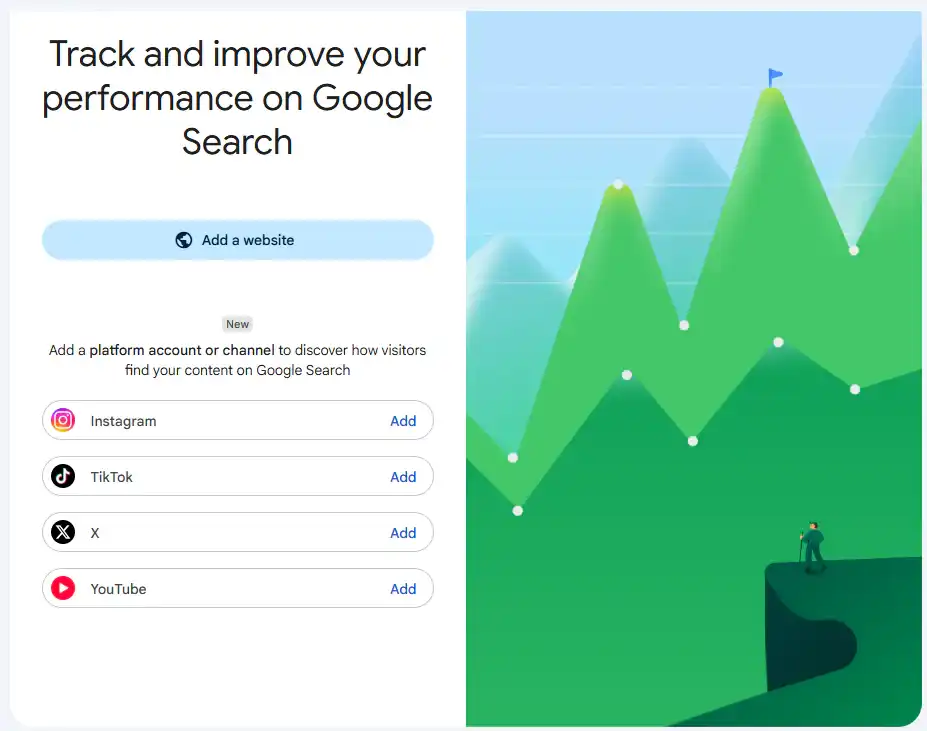
With Google Search Console, you can see how people find Instagram, TikTok, X, and YouTube content on Google. The platform properties take the study of a brand’s digital presence beyond the brand’s website.
For marketers, this function can assist them understand which social posts are generating interest in search results, and which themes are worth including into their content strategy.
What Are Platform Properties?
Platform properties are a sort of Search Console property that are specific to social media accounts and video channels. There are reports for each profile.
Supported platforms are:
- TikTok
- X
- YouTube
Data based on Google content discovery. Use each network’s analytics programs to gain insights on the social networks themselves.
Key Features
Search Console provides several metrics and reports to assess this presence:
- Clicks: interactions that lead users to open your content.
- Impressions: the number of times your content appears in results.
- Average CTR: the percentage of impressions that result in clicks.
- Average position: your content’s position in search results.
- Insights report: an overview of trends and top-performing content.
- Achievements: growth milestones associated with clicks.
Discover and Google News reports appear when your content receives traffic from those surfaces.

How to Add a Social Media Account to Search Console
To set up performance reports:
- Open Google Search Console.
- Open the property selector and choose Add property.
- Select your preferred platform.
- Follow the instructions to verify account ownership.
- Once confirmed, open the new property.
- Repeat the process for each profile or channel.
The first data may take a few days to appear. Google states that availability is gradual, so the option may not yet be accessible to every account.
How to Use the Data to Improve Your Content
Once setup is complete, start with these analyses:
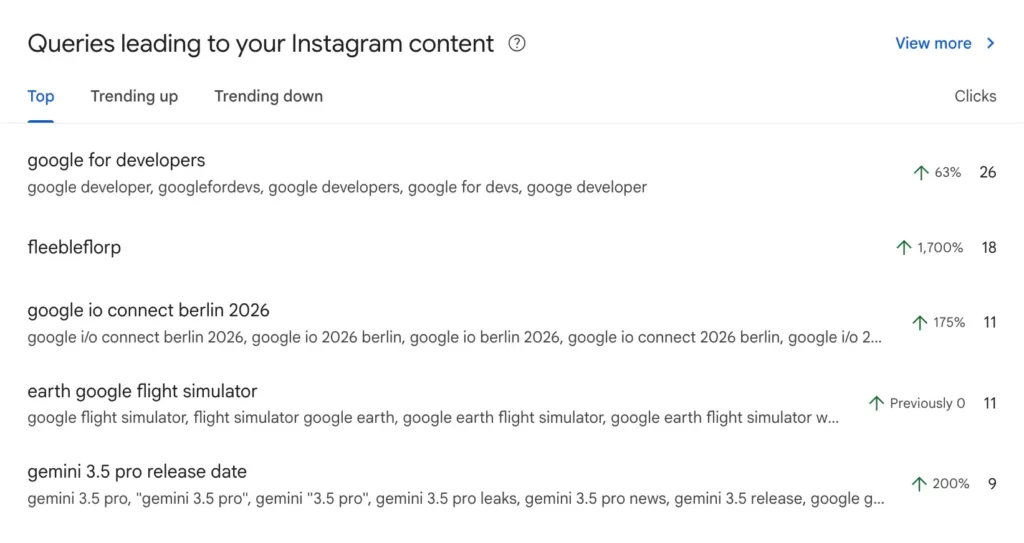
- Review search queries: identify the questions and topics that lead people to your content.
- Analyse the last 28 days: assess trends and identify posts with greater search interest.
- Use the 24-hour filter: detect recent interest in a video or post.
- Compare countries and devices: understand where your audience is and how they access your content.
- Compare formats: use URL filters to assess long-form videos against Shorts, or posts against Reels.
- Record changes: add annotations when you update titles or captions, then compare subsequent performance.
- Export reports: compare results across your platform properties.
What Opportunities Does This Create for SEO?
Looking at your website and social media together you may see what topics people are searching for that you haven’t covered well enough on your website yet.
For example, a video with visibility for a question concerning a certain service could warrant a guide, a FAQ or an enhancement of that service site. Additionally the need to evaluate the business value of search queries before committing to new material.
The aim is to turn data into decisions: pick topics, change formats and align your editorial calendar with audience needs. In this investigation, Search Console complements Instagram Insights and YouTube Analytics.

